
Overview
The CVE-2025-54130 vulnerability refers to a design flaw in the AI-based code editor – Cursor. This flaw could allow an attacker to potentially take control of the system or lead to data leakage. The vulnerability poses a significant risk to developers and organizations using versions of Cursor less than 1.3.9 due to the potential for remote code execution (RCE) without the need for user approval.
Vulnerability Summary
CVE ID: CVE-2025-54130
Severity: High (CVSS: 7.5)
Attack Vector: Network
Privileges Required: None
User Interaction: None
Impact: System compromise, Potential data leakage
Affected Products
 Escape the Surveillance Era
Most apps won’t tell you the truth.
They’re part of the problem.
Phone numbers. Emails. Profiles. Logs.
It’s all fuel for surveillance.
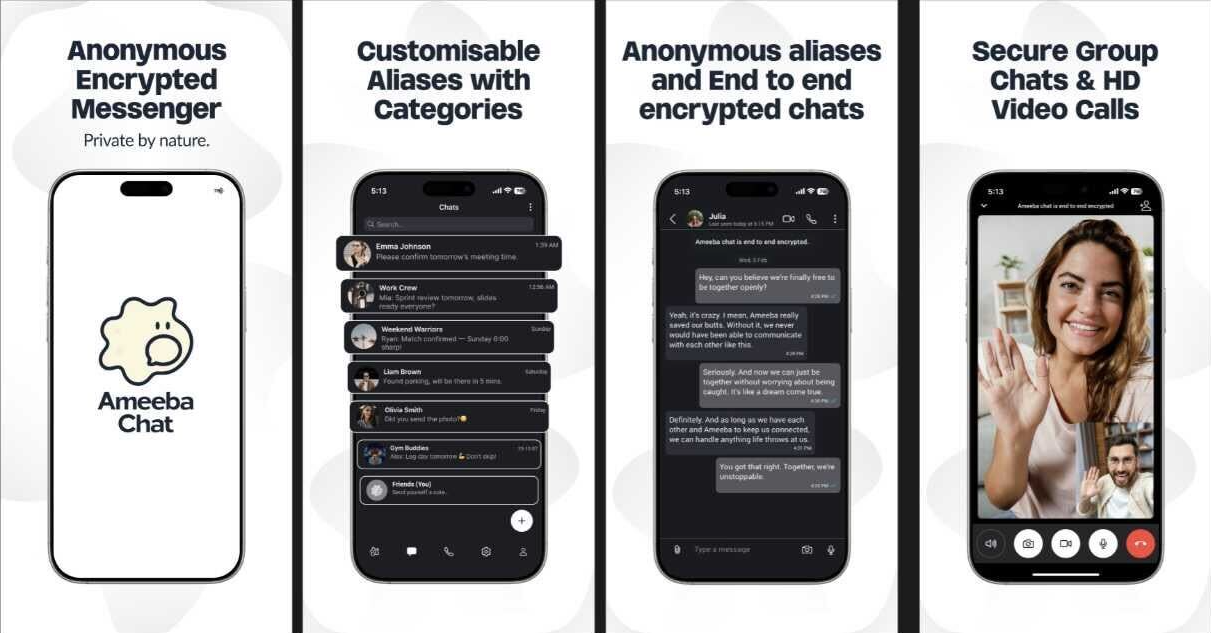
Ameeba Chat gives you a way out.
- • No phone number
- • No email
- • No personal info
- • Anonymous aliases
- • End-to-end encrypted
Chat without a trace.
Product | Affected Versions
Cursor | Less than 1.3.9
How the Exploit Works
The exploit works by taking advantage of the program’s permission to write in-workspace files with no user approval. If a sensitive editor file like .vscode/settings.json does not exist in the workspace, an attacker can create a new one, bypassing the need for approval. By chaining a prompt injection vulnerability, the attacker can hijack the context, write to the settings file, and trigger remote code execution on the victim’s system without user approval.
Conceptual Example Code
The below pseudocode demonstrates how the vulnerability might be exploited. It involves creating a new .vscode/settings.json file and writing malicious code into it:
if (!fileExists('.vscode/settings.json')) {
createFile('.vscode/settings.json');
writeToFile('.vscode/settings.json', malicious_code);
}
execute('.vscode/settings.json');
In this example, `malicious_code` represents the payload an attacker would use to gain control over the victim’s system.
Mitigation
Users are advised to apply the vendor patch by upgrading to Cursor version 1.3.9 or later. In the absence of a patch, a Web Application Firewall (WAF) or Intrusion Detection System (IDS) can be used as a temporary mitigation measure.
