
Overview
This report provides an in-depth analysis of a significant local privilege escalation vulnerability in One Identity Password Manager’s Secure Password extension. This vulnerability, identified as CVE-2025-27582, has the potential to put a wide range of systems at risk, allowing an attacker with access to a locked workstation to gain SYSTEM-level privileges and obtain full control over the affected device. Given the high severity of this vulnerability, understanding its implications, and implementing appropriate mitigation measures is of paramount importance.
Vulnerability Summary
CVE ID: CVE-2025-27582
Severity: High (CVSS: 7.6)
Attack Vector: Local
Privileges Required: Low
User Interaction: Required
Impact: Potential system compromise or data leakage
Affected Products
 Escape the Surveillance Era
Most apps won’t tell you the truth.
They’re part of the problem.
Phone numbers. Emails. Profiles. Logs.
It’s all fuel for surveillance.
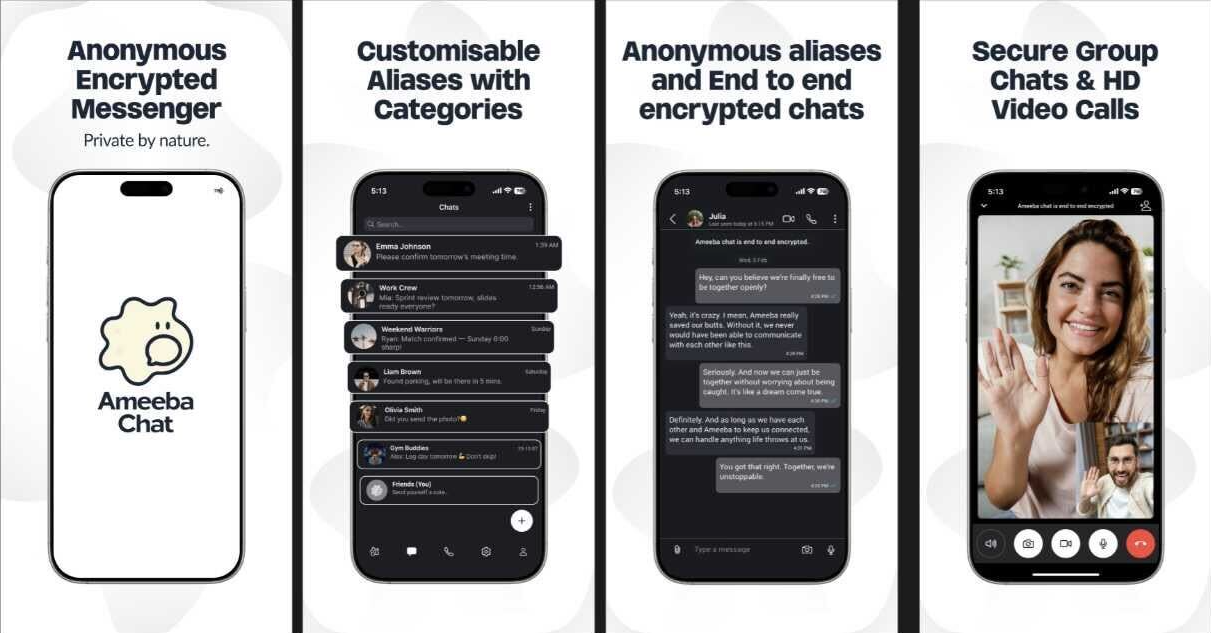
Ameeba Chat gives you a way out.
- • No phone number
- • No email
- • No personal info
- • Anonymous aliases
- • End-to-end encrypted
Chat without a trace.
Product | Affected Versions
One Identity Password Manager | Before 5.14.4
How the Exploit Works
The issue arises from a flawed security hardening mechanism within the kiosk browser used to display the Password Self-Service site to end users. The application attempts to restrict privileged actions by overriding the native window.print() function. However, this protection can be bypassed by an attacker who accesses the Password Self-Service site from the lock screen and navigates to an attacker-controlled webpage via the Help function. By hosting a crafted web page with JavaScript, the attacker can restore and invoke the window.print() function, launching a SYSTEM-privileged print dialog. From this dialog, the attacker can exploit standard Windows functionality – such as the Print to PDF or Add Printer wizard – to spawn a command prompt with SYSTEM privileges.
Conceptual Example Code
The following JavaScript code is a conceptual example of how this vulnerability might be exploited:
// Bypass the overridden window.print function
var originalPrint = window.print;
window.print = function() {
// Restore the original print function
window.print = originalPrint;
// Invoke the SYSTEM-privileged print dialog
window.print();
};
This code would be hosted on an attacker-controlled webpage, which the attacker would trick the user into navigating to via the Password Self-Service site’s Help function.
