
Overview
The vulnerability CVE-2025-27461 is a serious security issue that affects EPC2 Windows devices. In essence, during device startup, the system automatically logs in the EPC2 Windows user without requesting a password. This flaw exposes the system to potential unauthorized access, resulting in system compromise or data leakage. It is essential for organizations using EPC2 Windows devices to understand this vulnerability and take necessary mitigation actions.
Vulnerability Summary
CVE ID: CVE-2025-27461
Severity: High (CVSS 7.6)
Attack Vector: Network
Privileges Required: None
User Interaction: None
Impact: System compromise or data leakage as a result of unauthenticated access.
Affected Products
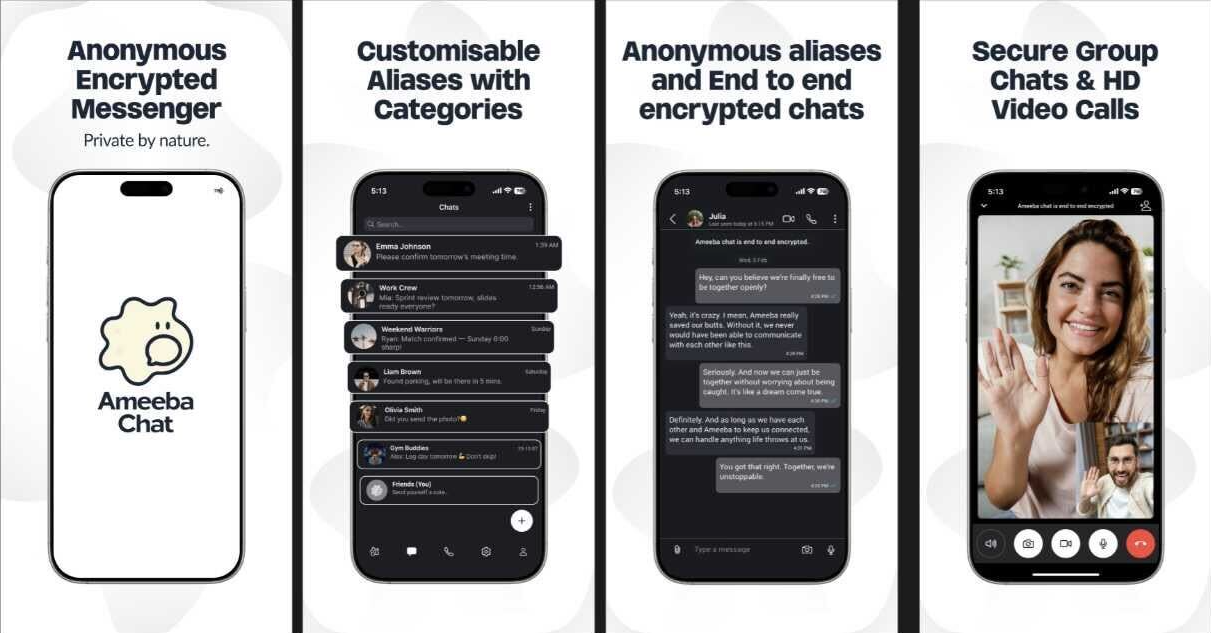
 Escape the Surveillance Era
Most apps won’t tell you the truth.
They’re part of the problem.
Phone numbers. Emails. Profiles. Logs.
It’s all fuel for surveillance.
Ameeba Chat gives you a way out.
- • No phone number
- • No email
- • No personal info
- • Anonymous aliases
- • End-to-end encrypted
Chat without a trace.
Product | Affected Versions
EPC2 Windows Devices | All Versions
How the Exploit Works
The vulnerability stems from an insecure configuration during device startup. When an EPC2 Windows device is booting up, it automatically logs in the user without the necessity for a password. An attacker exploiting this vulnerability could gain unauthorized access to the system, manipulate system settings, install malicious software, or exfiltrate sensitive data.
Conceptual Example Code
Given the nature of this vulnerability, it is not easily represented with code. Conceptually, an attacker would need physical or network access at the exact time of device startup. The attacker can then interact with the system as the automatically logged-in user, without any need for authentication. They could, for example, initiate a remote command to execute malicious activities:
$ ssh EPC2User@target.example.com
$ run_malicious_script.sh
Mitigation Guidance
Vendors are advised to issue patches that address this vulnerability by ensuring password request during device startup. Meanwhile, organizations can use Web Application Firewall (WAF) or Intrusion Detection Systems (IDS) as temporary mitigation to detect and prevent potential exploitation attempts. Regular system audits and monitoring can also help identify any unauthorized activities.
