
Overview
A significant cybersecurity concern has been identified in Panasonic IR Control Hub (IR Blaster) versions 1.17 and earlier, known as CVE-2025-1073. This vulnerability, if exploited, enables an attacker with physical access to load unauthorized firmware onto the device. Such a situation could lead to system compromise or data leakage, affecting the privacy and security of users.
Vulnerability Summary
CVE ID: CVE-2025-1073
Severity: High (CVSS: 7.5)
Attack Vector: Physical
Privileges Required: None
User Interaction: Required
Impact: System compromise or data leakage
Affected Products
 Escape the Surveillance Era
Most apps won’t tell you the truth.
They’re part of the problem.
Phone numbers. Emails. Profiles. Logs.
It’s all fuel for surveillance.
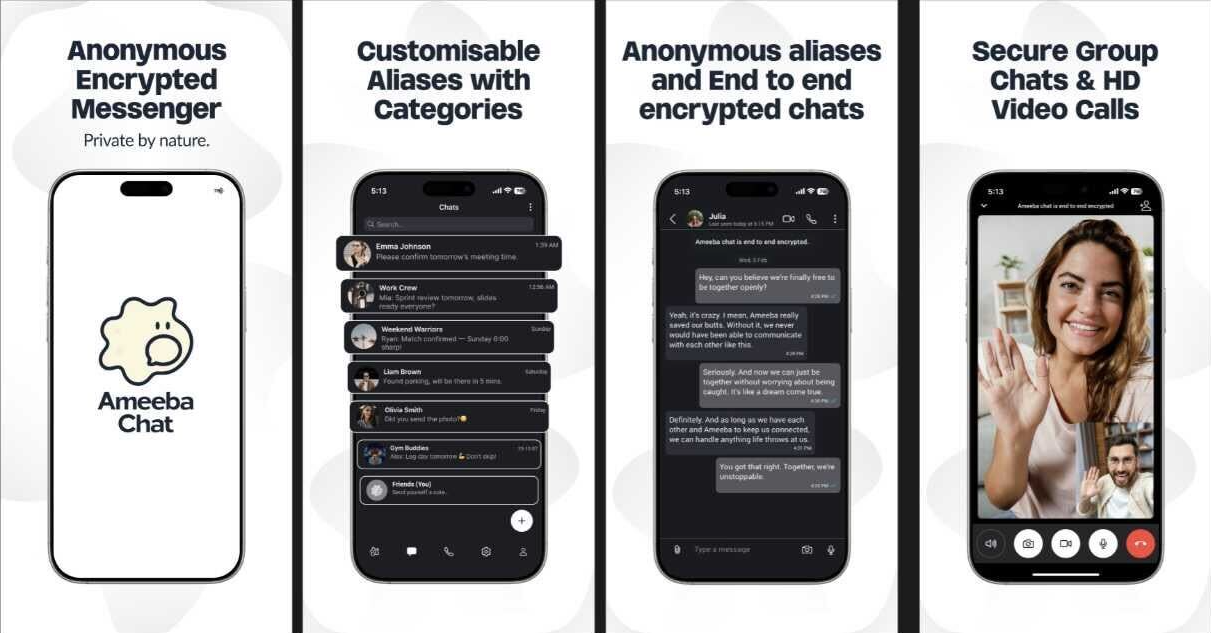
Ameeba Chat gives you a way out.
- • No phone number
- • No email
- • No personal info
- • Anonymous aliases
- • End-to-end encrypted
Chat without a trace.
Product | Affected Versions
Panasonic IR Control Hub (IR Blaster) | 1.17 and earlier
How the Exploit Works
The vulnerability CVE-2025-1073 in the Panasonic IR Control Hub can be exploited by an attacker with physical access to the device. The attacker can load unauthorized firmware onto the device. This unauthorized firmware can be designed to compromise the system, potentially allowing the attacker to gain control of the device, alter its functionality, or extract sensitive data.
Conceptual Example Code
This example demonstrates the conceptual process of an attack exploiting this vulnerability. However, the actual exploit would require physical access and specific firmware manipulation tools.
# Connect device to firmware manipulation tool
connect_tool.sh --device-id DEVICE_ID --tool-id TOOL_ID
# Backup current firmware
backup_firmware.sh --device-id DEVICE_ID --backup-file BACKUP_FILE
# Load unauthorized firmware
load_firmware.sh --device-id DEVICE_ID --firmware-file UNAUTHORIZED_FIRMWARE
# Reboot the device
reboot_device.sh --device-id DEVICE_ID
Please note that this is a conceptual example and the actual process may vary depending on the specific tools and unauthorized firmware used by the attacker.
